
…and whatever
you can describe.
No guide for your look? The agent studies a reference, maps it onto the toolbox, paints it, then writes a new style guide for next time.
All example scripts ↗
No image model · just code

Ask an LLM for a picture and it calls an image model. atelier hands the brush to the LLM itself: it writes a short script, renders it, looks at the result and fixes it. Path-traced 3D, oil and watercolour, comics, people, landscapes, posters, pixel art, with no image model ever called.
$ pip install git+https://github.com/Wexop/atelier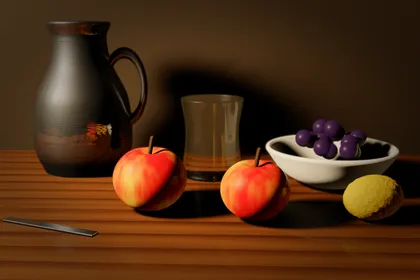 3D still life
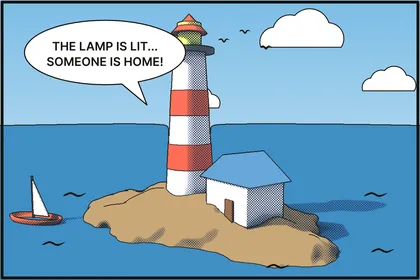 comic from 3D
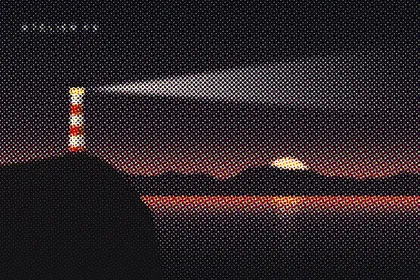 CMYK halftone
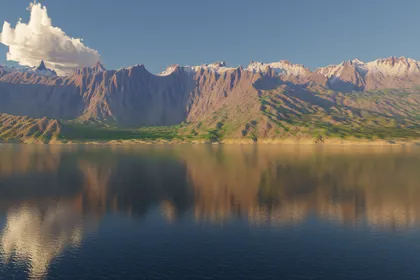 eroded mountains
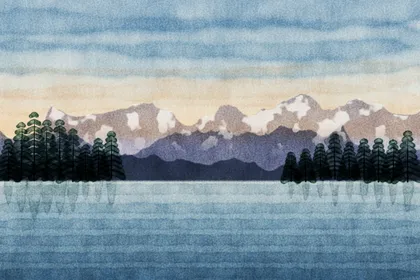 watercolour
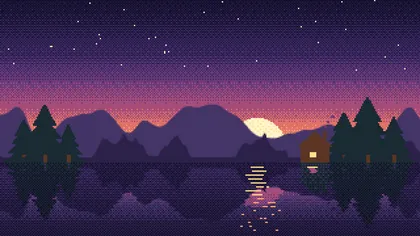 pixel art
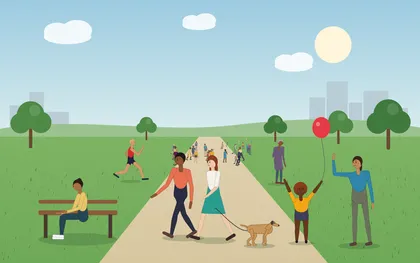 posable people
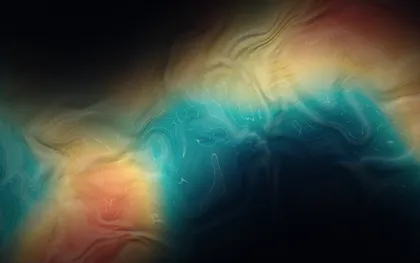 domain-warped silk
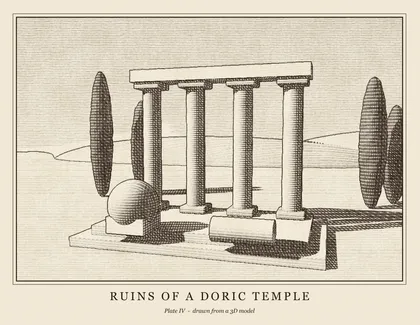 engraving
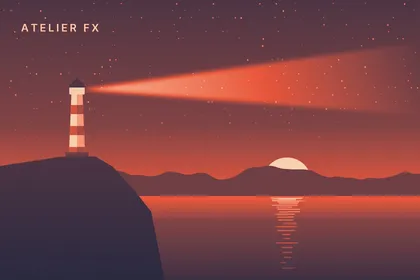 duotone
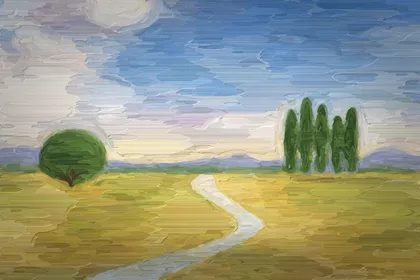 oil on canvas
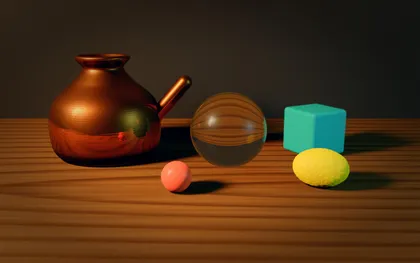 copper, glass, wood
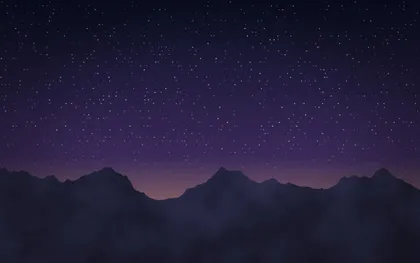 night sky
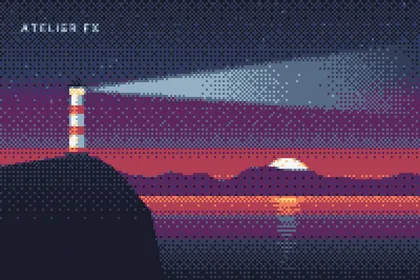 retro16 dither
How it works
 Repeat.
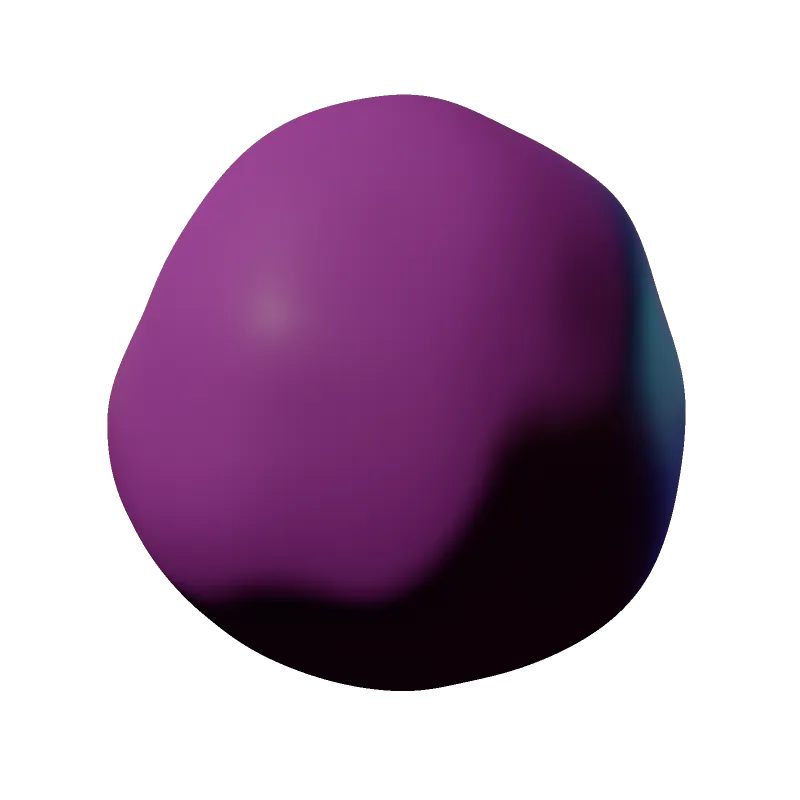
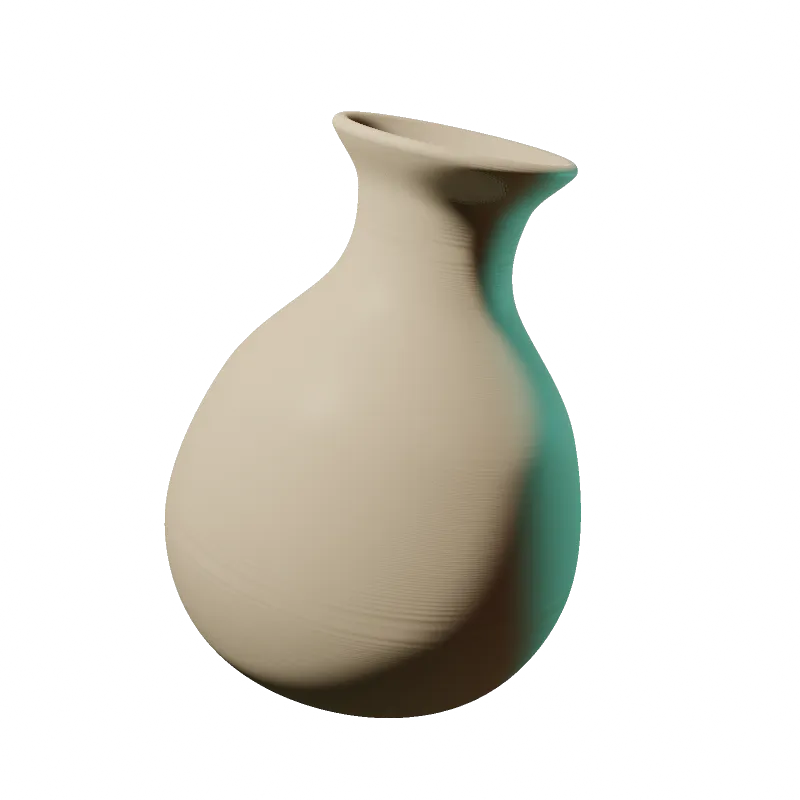
atelier is made for a model that can see. Every script renders a fast 512 px preview, the agent looks at it, zooms on a region at full resolution, fixes what is wrong, and renders again. Four passes on the same scene:
The agent writes a 30–80 line scene: signed-distance primitives, a lathe profile for the pot, a camera. Grey clay, a default sun.
pot = lathe([(0, 0), (.24, .01), (.3, .12), (.28, .3),
            (.16, .42), (.1, .5), (.14, .56)], thickness=.025)
s.add(pot | spout, Mat("#9a9a9a", rough=.8))
s.camera((.1, .75, 2.4), (.1, .18, 0), fov=32)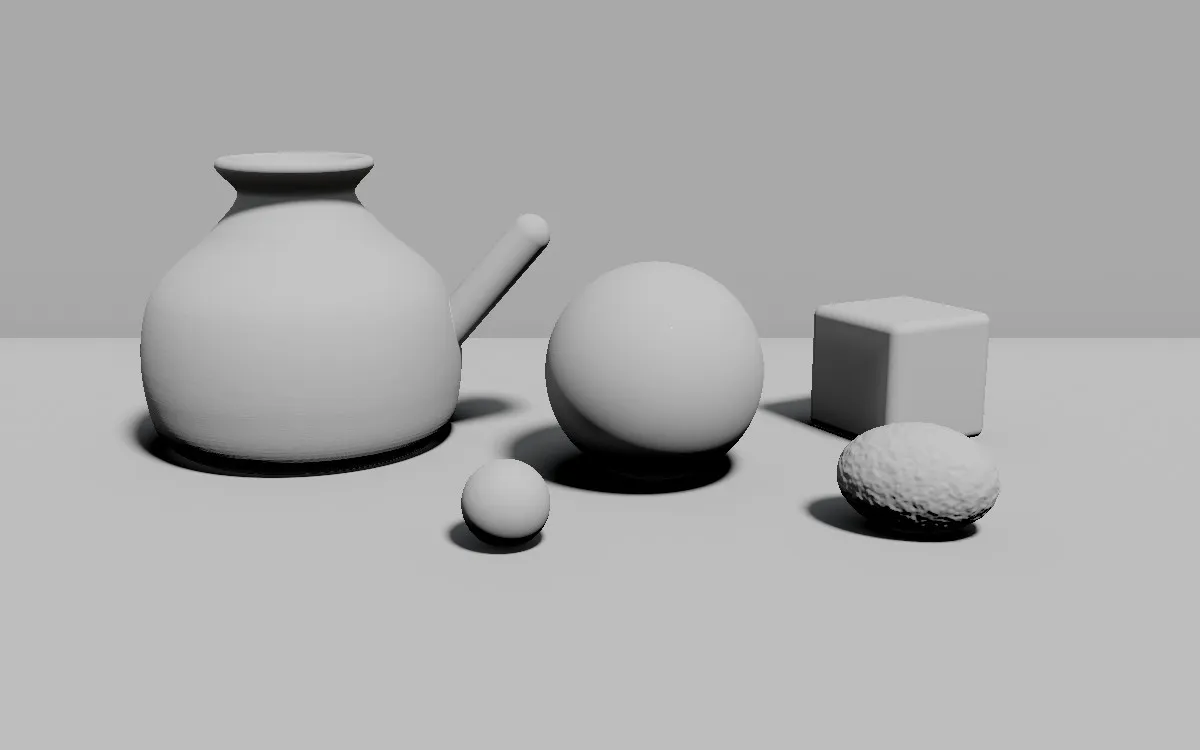
Copper with metal=1, a glass ball that refracts the table, wood grain from a procedural field, subsurface scattering on the lemon.
Mat("#c8743c", rough=.25, metal=1)            # copper
Mat("#eef6f2", glass=1, ior=1.5)               # glass
Mat(wood(rings=18).ramp([...]), proj="xz")     # table
Mat("#f2c200", rough=.35, sss=.35)             # lemon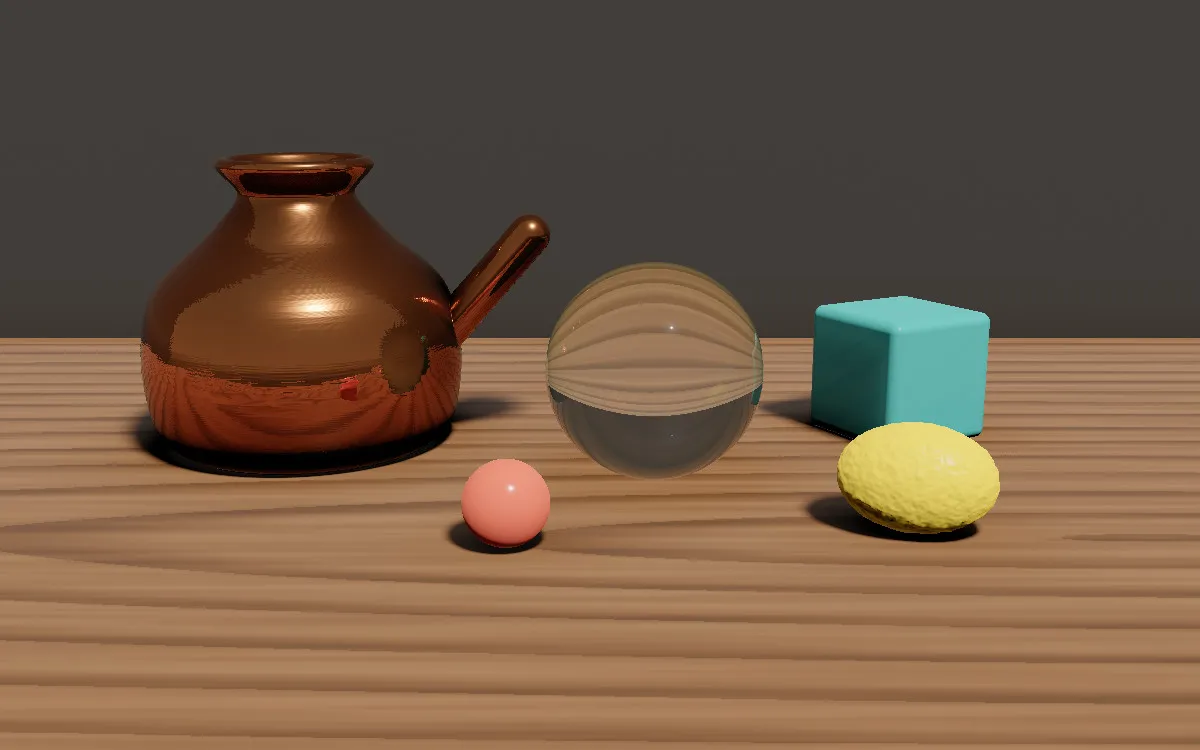
A warm area light from the window side, a cool rim from the right, and an emissive panel off-camera so metal and glass have something to reflect.
s.area(pos=(-2.6, 2.2, 1.6), size=(1.4, 1.8),
       color="#ffe6c2", power=50)              # key
s.area(pos=(2.4, .8, 1.2), color="#7fc9d6", power=8)
s.sky("#1d1d24", "#2c2620", "#100c09", power=.18)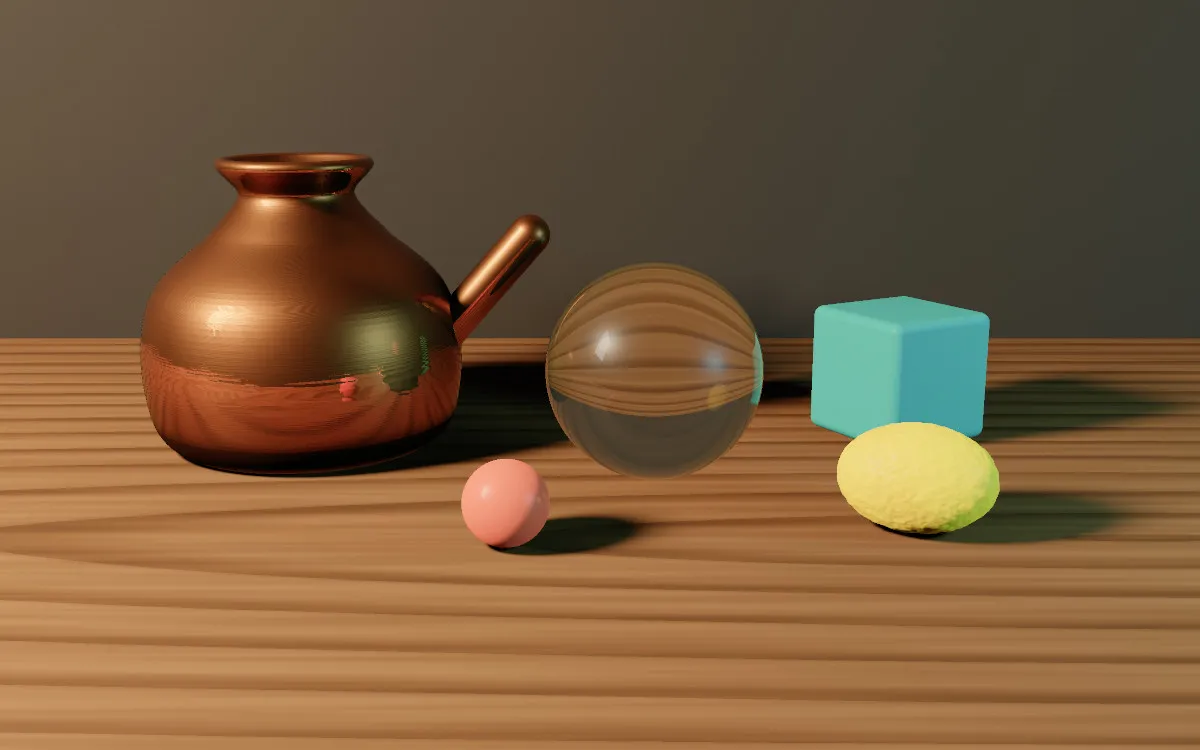
Depth of field from the depth buffer, focused where the agent points. Bloom on the highlights, a colour balance, vignette and film grain.
r = c.render(s, aa=2, look="punchy")
c.apply(depth_of_field(r.depth, r.focus_at(560, 470, c.s), 3.5),
        bloom(.82, 12, .35), vignette(.45), grain(.014))
c.save("still.png")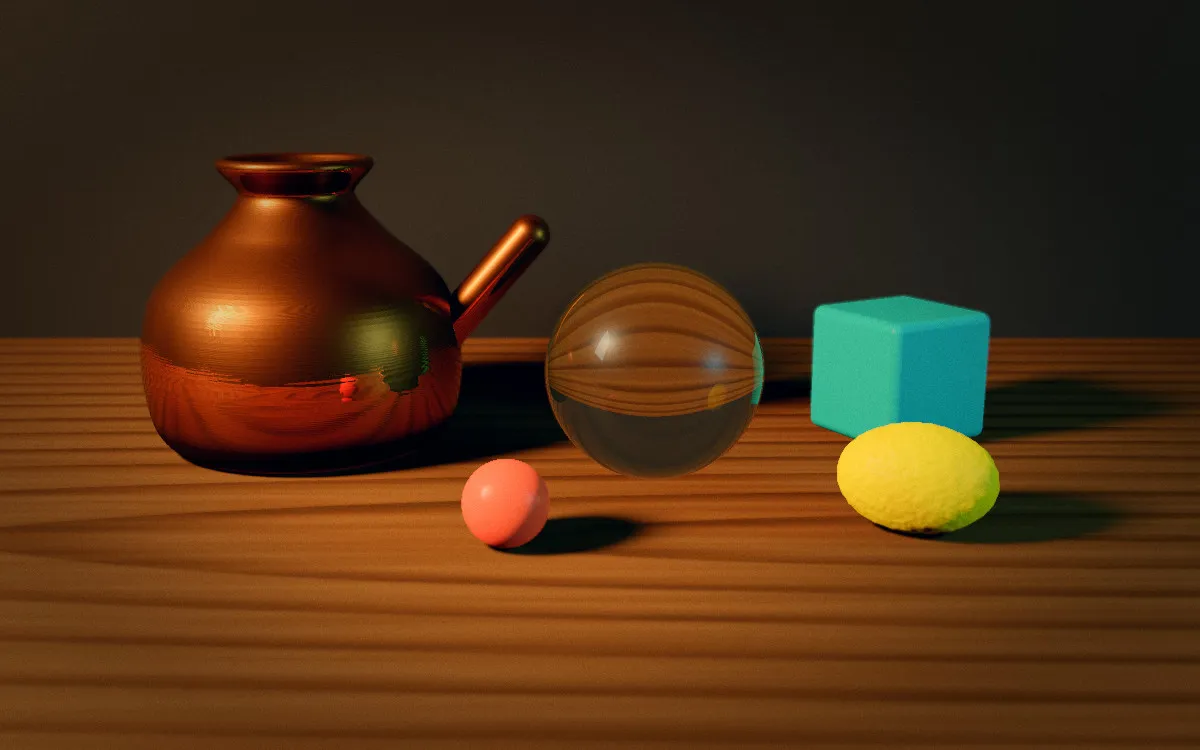
Quick start
A canvas, a gradient, a star field masked to the top, a ridged mountain line, bloom and grain. The code below is the README example, unchanged, and the picture next to it is what it renders.
from atelier import *

c = Canvas(1600, 1000)
c.fill(gradient([(0, "#0b1026"), (0.6, "#3b2a5a"), (1, "#f4a259")]))
c.layer(blend="screen").fill("white", mask=stars(70, seed=3) * top(0.6, soft=0.2))
c.layer().fill_below(ridged(2.2, seed=1).ridge_line(y=0.7, amp=0.15), fbm(6).ramp(["#1b1b2f", "#2e2e4d"]))
c.apply(bloom(0.8, 12), grain(0.03), vignette(0.3))
c.save("night.png")
One API, every medium
The same canvas drives a path tracer, a brush engine, a vector renderer, terrain and sky simulations, posable figures and a stack of effects. Each piece below is one script, open it to read the code.
…and whatever
you can describe.
No guide for your look? The agent studies a reference, maps it onto the toolbox, paints it, then writes a new style guide for next time.
All example scripts ↗brush · paint_like
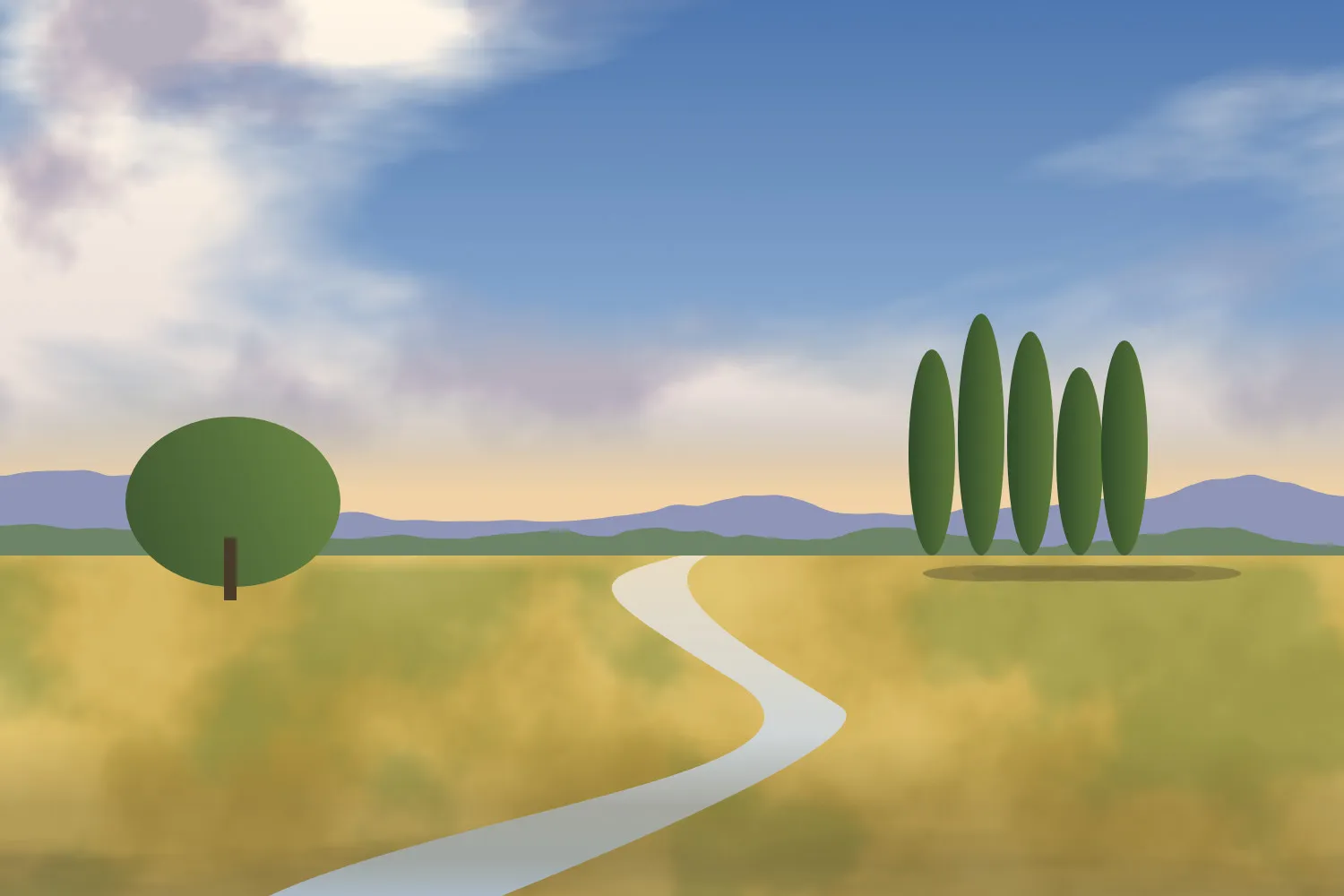
The agent builds a flat colour study out of gradients, noise and shapes, then paint_like repaints it with thousands of oil strokes, coarse to fine, following the image's own edges. Impasto catches a virtual light. Drag the handle.
c = Canvas(1500, 1000, bg="#e9dfcc")
c.paint_like(ref, "oil", sizes=(64, 32, 16, 9))
c.cur.relief = .6          # impasto lighting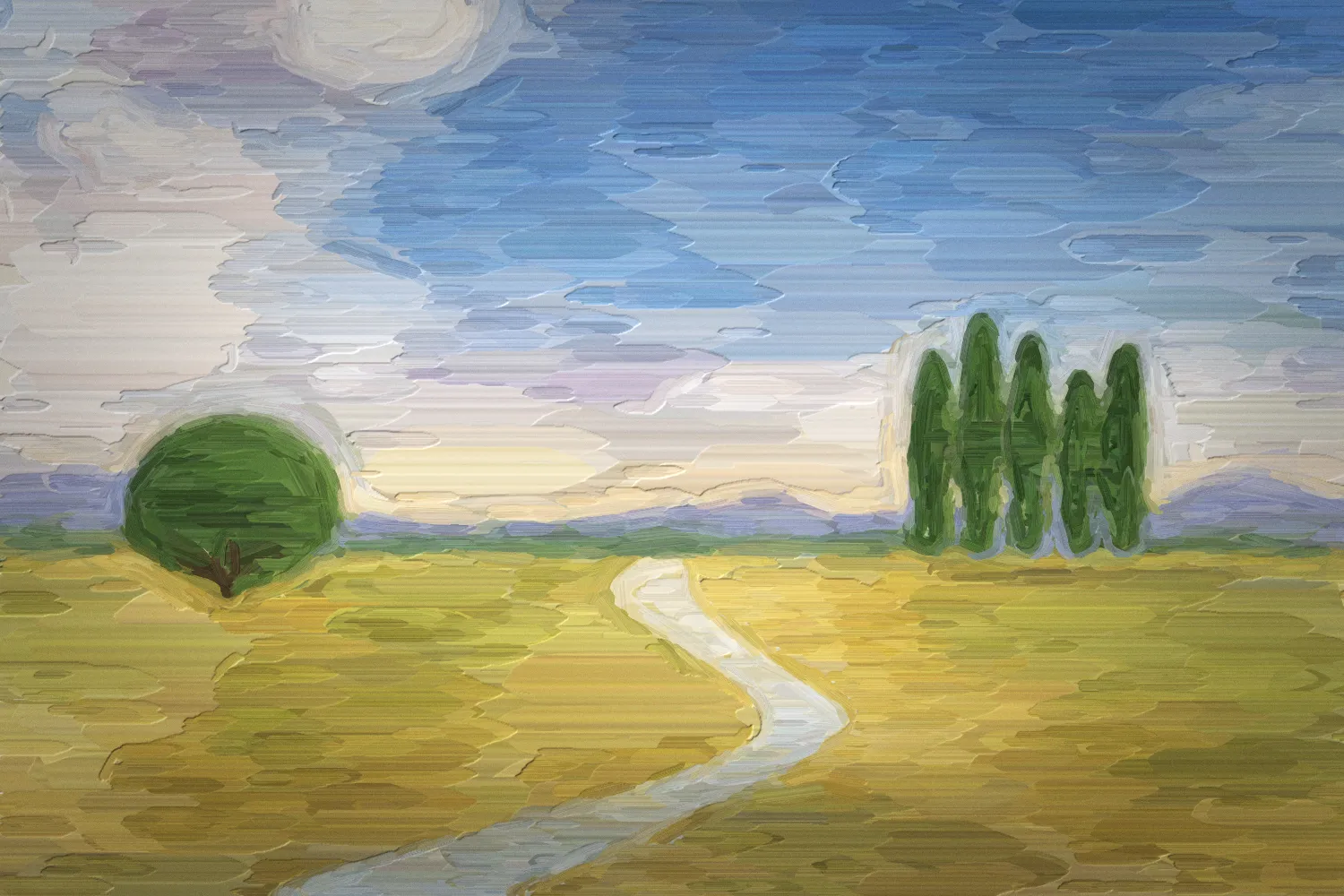
fx · 30+ effects
Bloom, halftone, dithering, gradient maps, lens distortion, film grain, tone mapping, depth of field. Effects chain in one call. Pick one, or let it cycle.
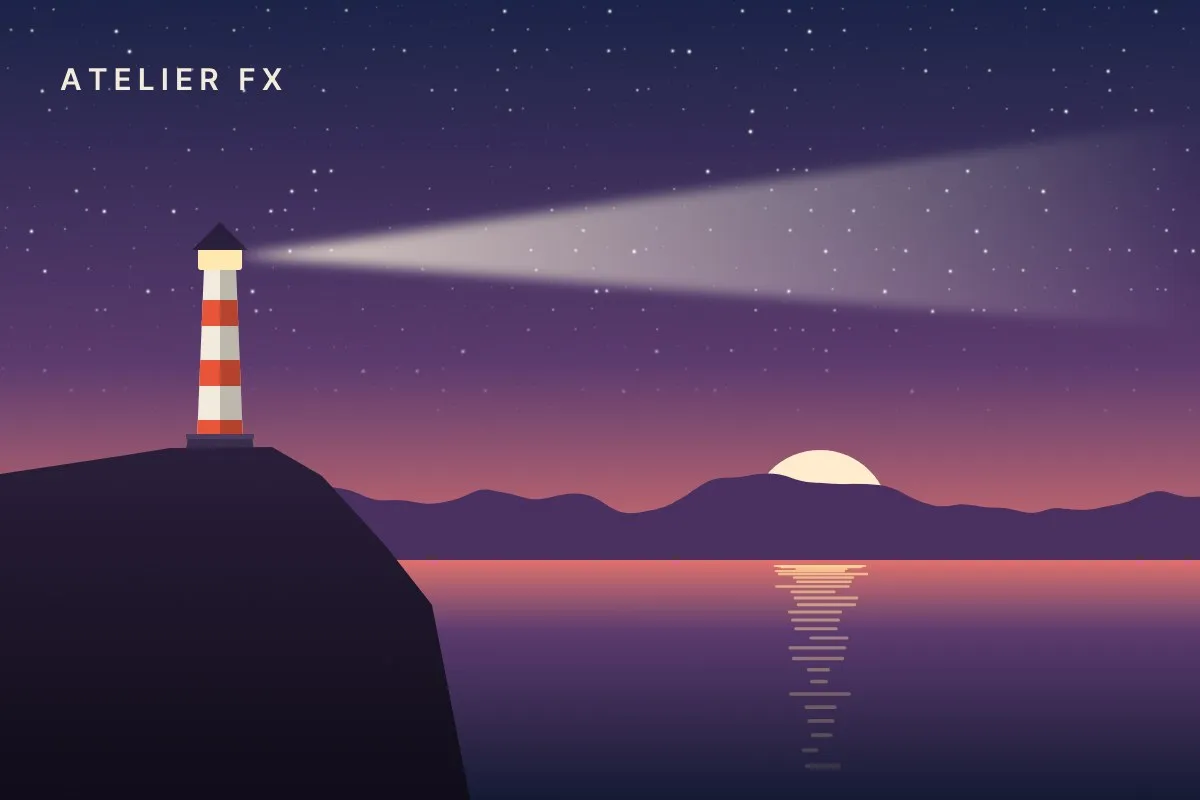
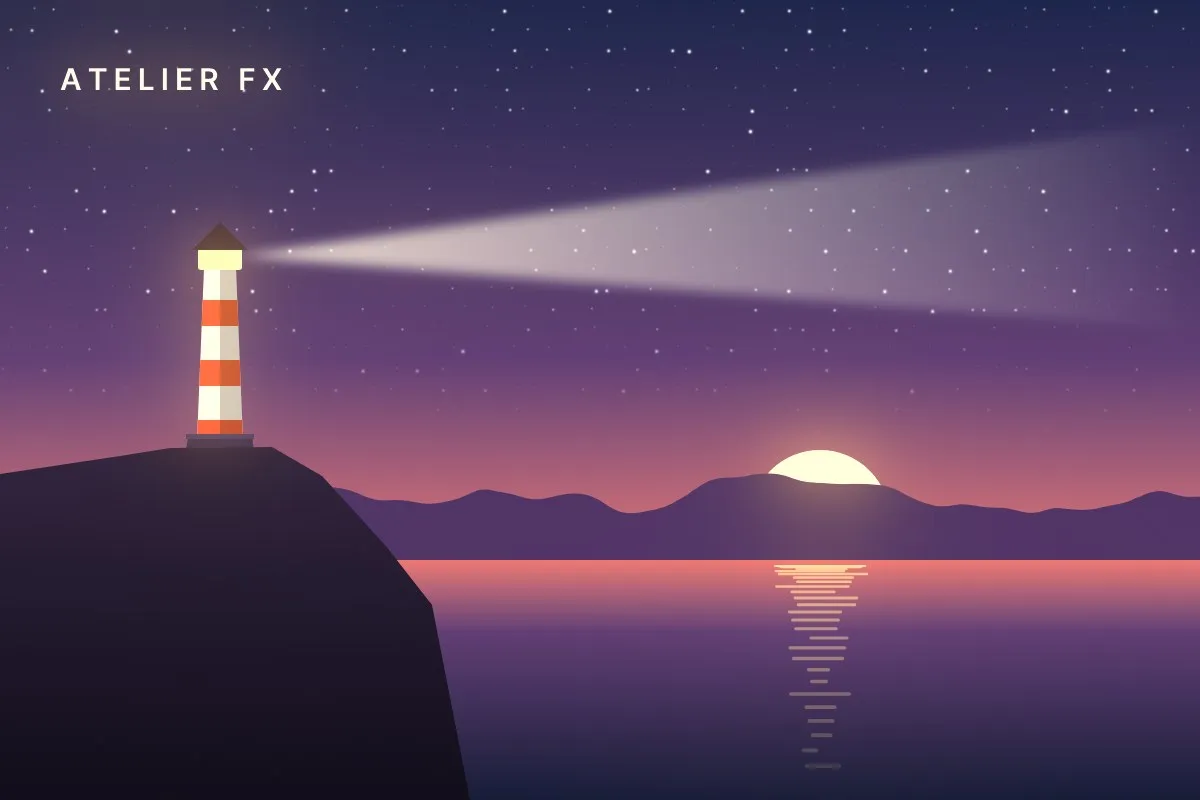
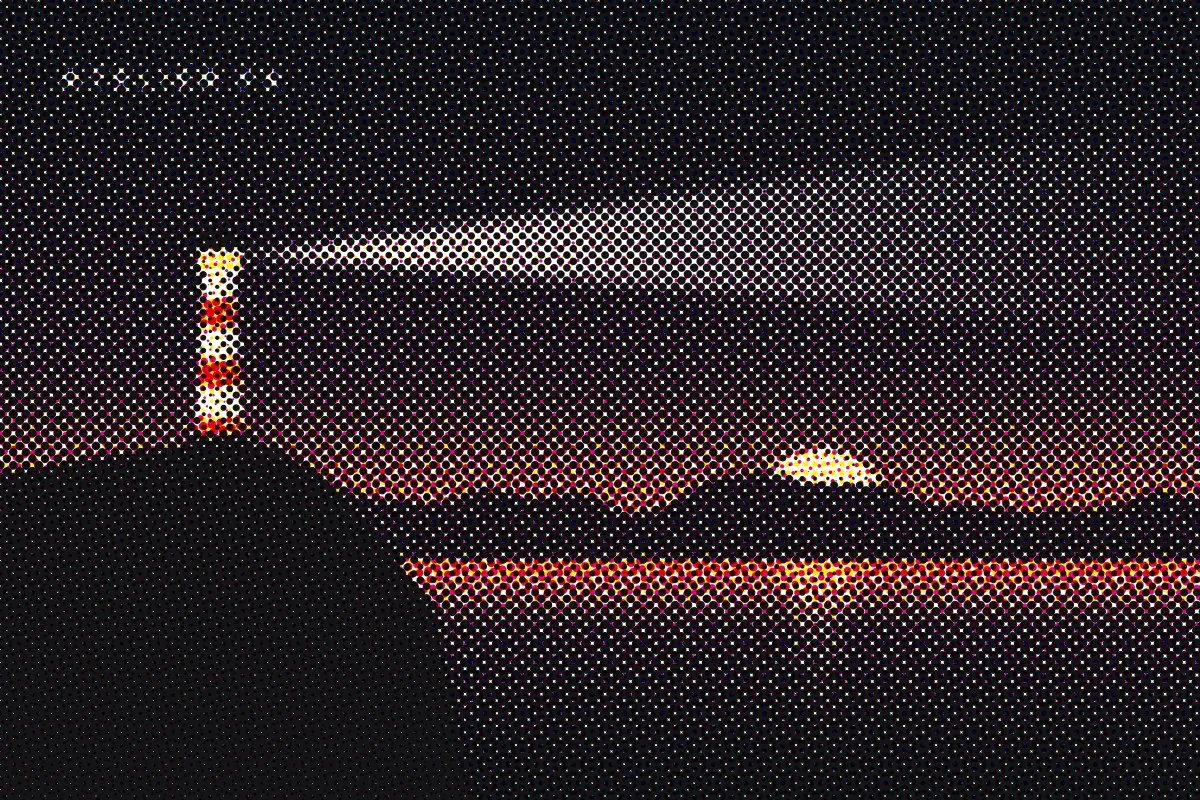
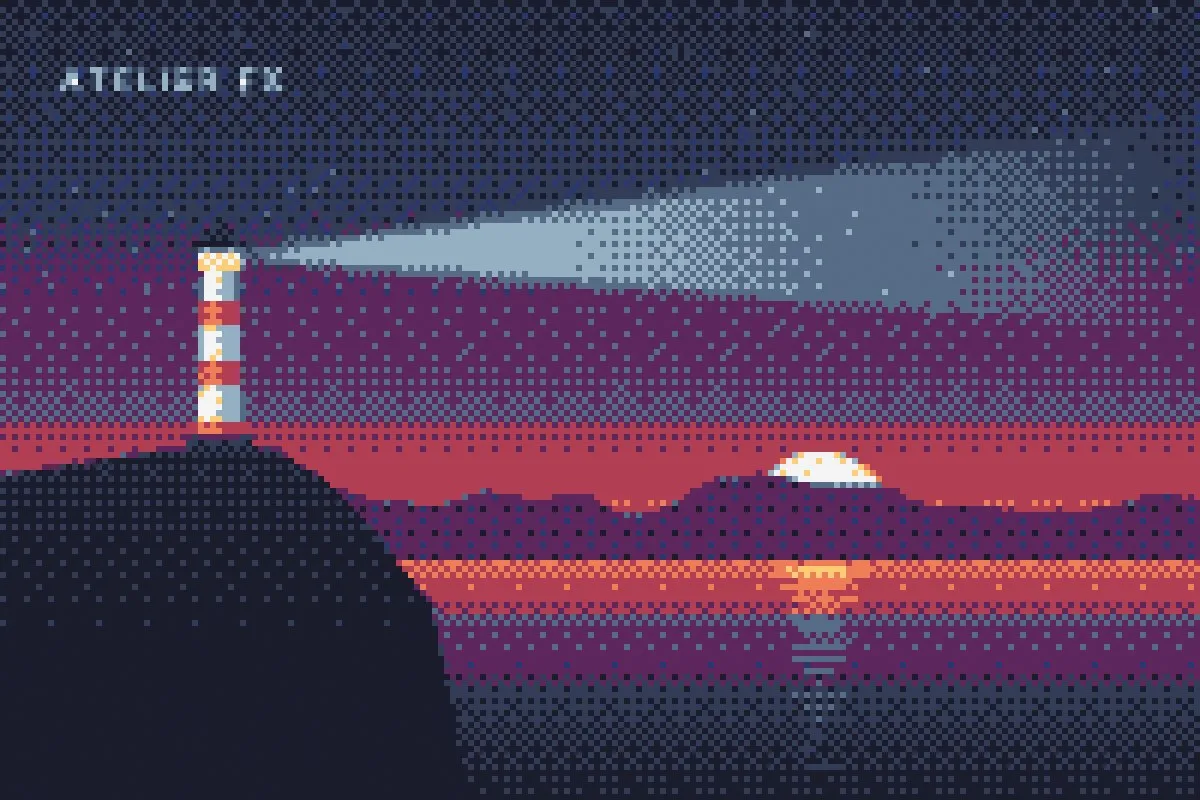
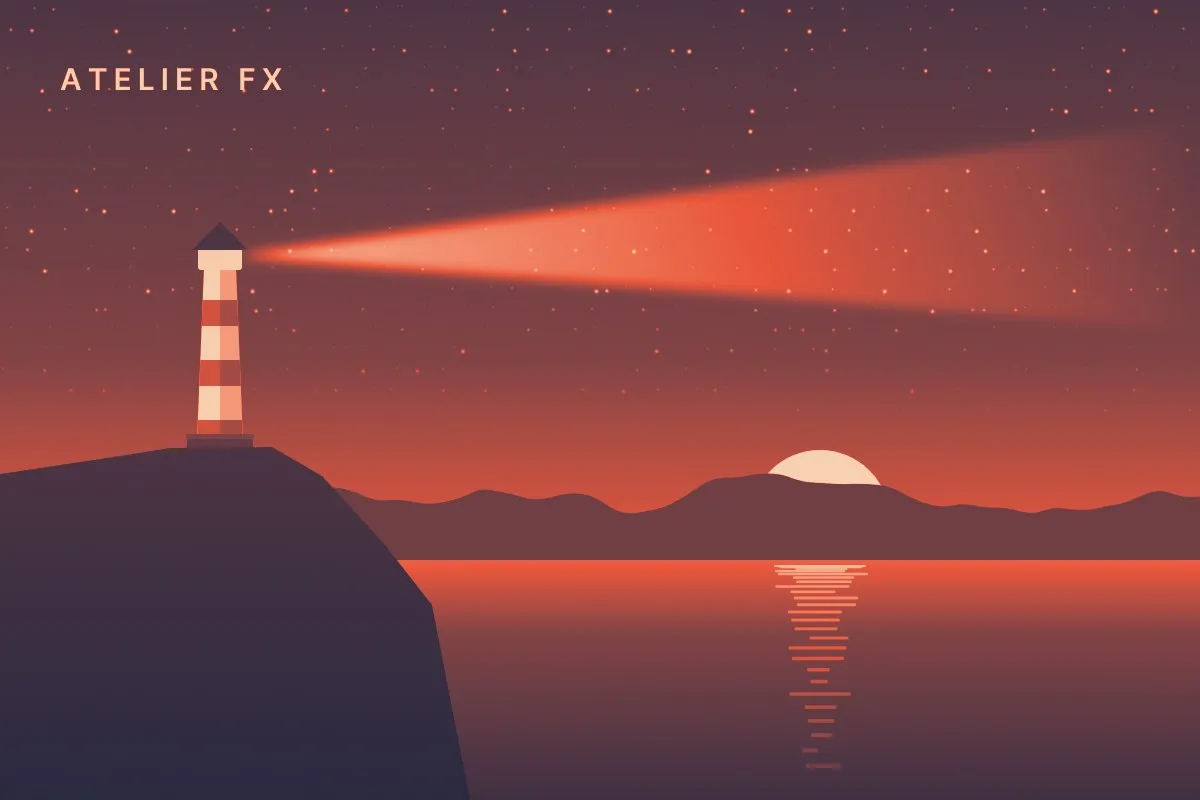
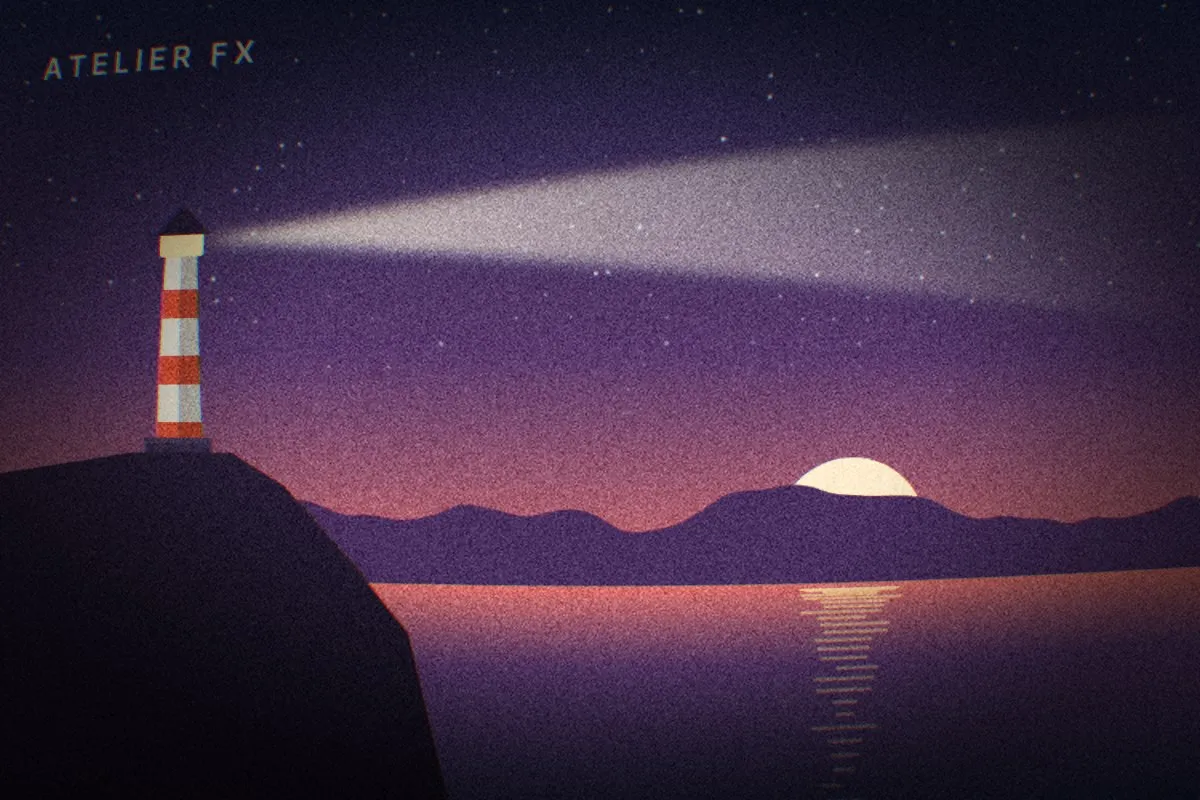
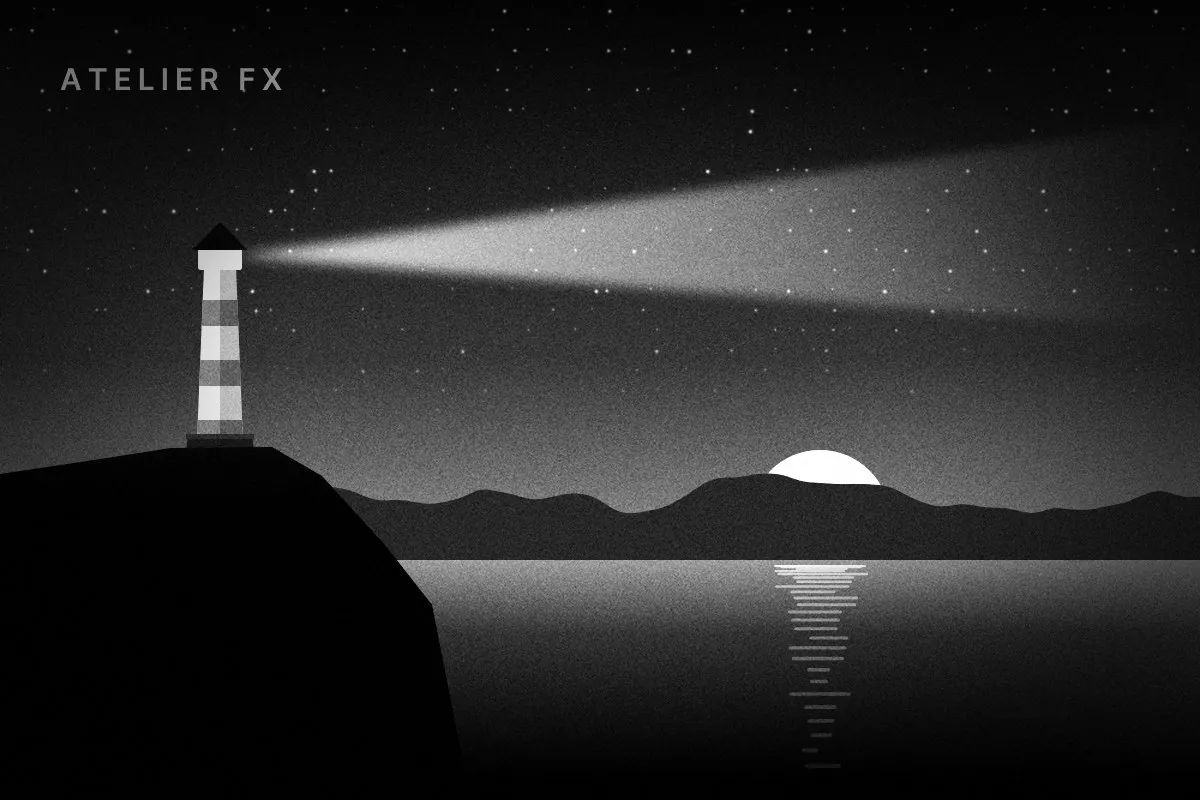
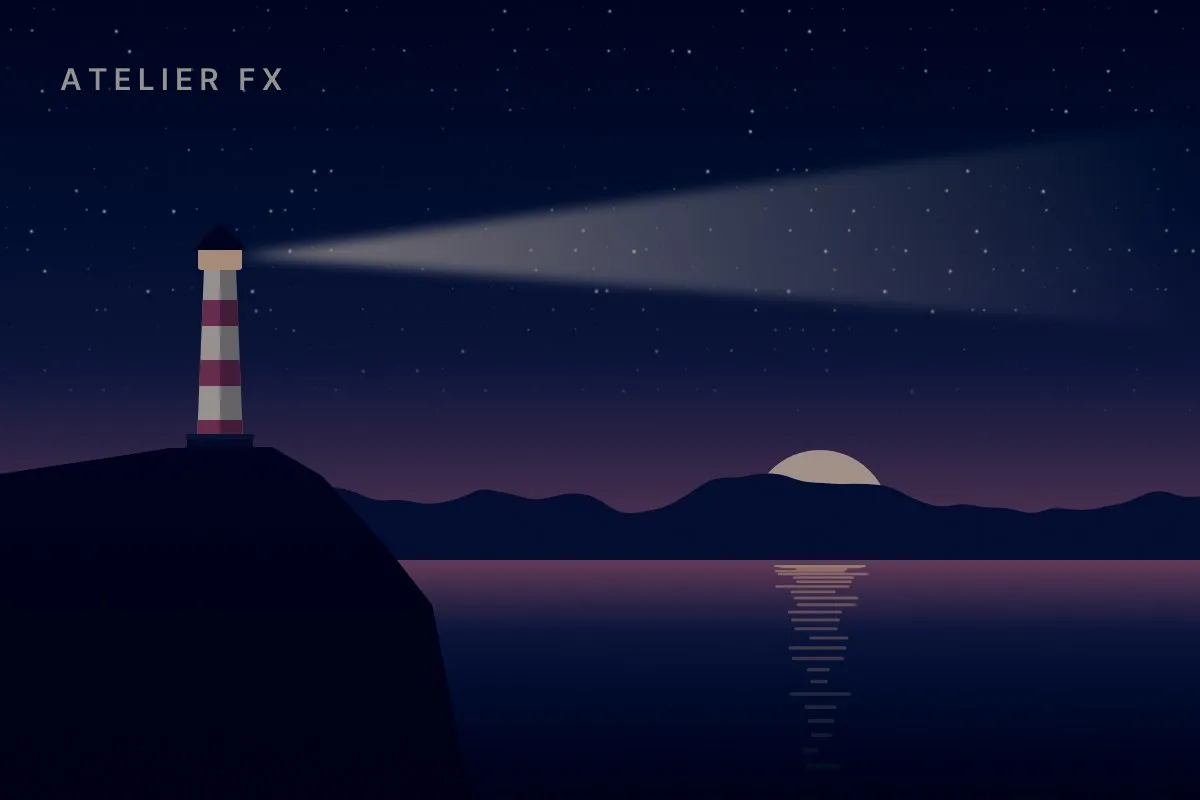
c.save("lighthouse.png")c.apply(exposure(.2), bloom(.45, 46, 1.8, tint=GOLD),
glow(14, .7, "#ffd59a"))c.apply(halftone(9, 22, cmyk=True))c.apply(pixelate(6, "retro16", dither="bayer", strength=.5))c.apply(gradient_map(["#14213d", "#e8553a", "#f6e3c4"]))c.apply(chromatic_aberration(3), lens_distortion(.12),
grain(.06, 1.6), vignette(.6))c.apply(saturation(0), contrast(.35), grain(.05, 1.2),
vignette(.55))c.apply(hue_sat(-30, .6, -.15), curves([(0, 0), (.5, .36), (1, .85)]),
color_balance(shadows=(-.04, 0, .08)))One flat illustration, rendered once. Every variant is the same array passed through a different chain.
What's inside
Everything is computed on the CPU with numpy, skia, OpenCV and scipy. Each icon below was drawn with the module it stands for.
atelier.coreCanvas and layersLayers, 17 blend modes, masks, image import, PNG / JPG / WebP export and real low-res previews.
c.layer(blend="screen")
atelier.fieldProcedural fieldsLazy, composable noise: perlin, simplex, fbm, ridged, worley, domain warp, wood, marble, clouds, 2.5D shading.
domain_warp(fbm(1.3), .45)
atelier.vectorVector and typeSkia paths and SVG, booleans, dashes, embedded fonts with real kerning, text on a path, justified text boxes, title presets.
c.text_on_path(txt, ring)
atelier.brushBrush engineRound, ink, chalk, bristle, oil with impasto, watercolour with glazing. Scatter, hatching, pigment mixing.
c.stroke(pts, "oil")
atelier.fxEffects and gradingBlur, bloom, glow, shadows, curves, AgX tone mapping, grain, halftone, pixelate with dithering, depth of field.
c.apply(bloom(.8), grain())
atelier.sdf3D modellingSigned-distance primitives and smooth booleans, materials with bump, object-space textures and wear, a fast raymarcher.
torus(.6, .16).twist(2)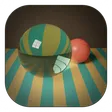
atelier.ptPath tracerGlobal illumination, glass and liquids that really refract, adaptive anti-aliasing and a denoiser guided by albedo and normals.
c.pathtrace(s, spp=16)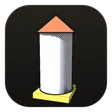
atelier.stylize3D to illustrationToon shading, ink outlines, halftone shadows and hatching that follows surfaces. Kuwahara, XDoG, linocut, stained glass.
toon(r) · outlines(r)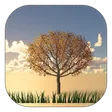
atelier.natureLandscapesEroded terrain, a physical sky with raymarched clouds, lakes and seas with real waves, trees, grass and flowers. Plus cel-shaded anime clouds, trees and peaks.
c.landscape(terrain(512))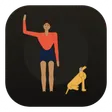
atelier.figurePeople and animalsPosable figures with outfits, hair and body types, cats, dogs and horses, perspective crowds, a 3D mannequin.
c.figure(x, y, h, "wave")
atelier.inspectSelf-reviewContact sheets with value studies, clipping maps and auto zooms on aliasing, banding and noise. A/B diffs. Metrics.
atelier inspect s.py
atelier.cliCommand lineRender, preview at 512 px, crop at full resolution, inspect, compare, change the seed. Errors come back as one line.
atelier render s.py --previewSKILL.mdThe cheat sheetThe whole API, the render → look → fix loop, recipes per style and known pitfalls, in one file an agent reads once.
read SKILL.md ↗Built for agents
Install
One pip package for the renderer, one skill folder for the know-how: the cheat sheet and a style guide per look.
Paste this to your agent. It installs the package, reads the cheat sheet and follows it, fetching the style guides it needs.
pip install git+https://github.com/Wexop/atelier, then read https://raw.githubusercontent.com/Wexop/atelier/main/SKILL.md and follow it.Recommended: the cheat sheet and every style guide, kept up to date by the plugin. Run inside Claude Code.
/plugin marketplace add Wexop/atelier
/plugin install atelier@atelierPersonal skill folder (SKILL.md + styles/), available in every project. For one project, copy it to .claude/skills/atelier/ instead.
git clone --depth 1 https://github.com/Wexop/atelier /tmp/atelier && mkdir -p ~/.claude/skills && rm -rf ~/.claude/skills/atelier && cp -r /tmp/atelier/.claude/skills/atelier ~/.claude/skills/ && rm -rf /tmp/atelierSame skill folder, from PowerShell.
$t = "$env:TEMP\atelier"; git clone --depth 1 https://github.com/Wexop/atelier $t; New-Item -ItemType Directory -Force "$HOME\.claude\skills" | Out-Null; Remove-Item -Recurse -Force "$HOME\.claude\skills\atelier" -ErrorAction SilentlyContinue; Copy-Item -Recurse "$t\.claude\skills\atelier" "$HOME\.claude\skills\"; Remove-Item -Recurse -Force $tZip the skill folder (SKILL.md + style guides) and upload it in Settings → Capabilities → Skills. The skill installs the package itself.
git clone --depth 1 https://github.com/Wexop/atelier && cd atelier/.claude/skills && zip -r ../../../atelier-skill.zip atelierJust the library and the CLI. Python 3.11 or newer.
pip install git+https://github.com/Wexop/atelier
atelier render scene.py --preview